Create an Airsoko store
If you've already established an Airsoko store, feel free to bypass this stage and proceed to step 2.
If not, visit Airsoko Seller panel (opens in a new tab) and register for a complimentary trial. After completing this step, begin by crafting collections, which serve to categorize your products.
Acquire a token for Airsoko's Storefront API
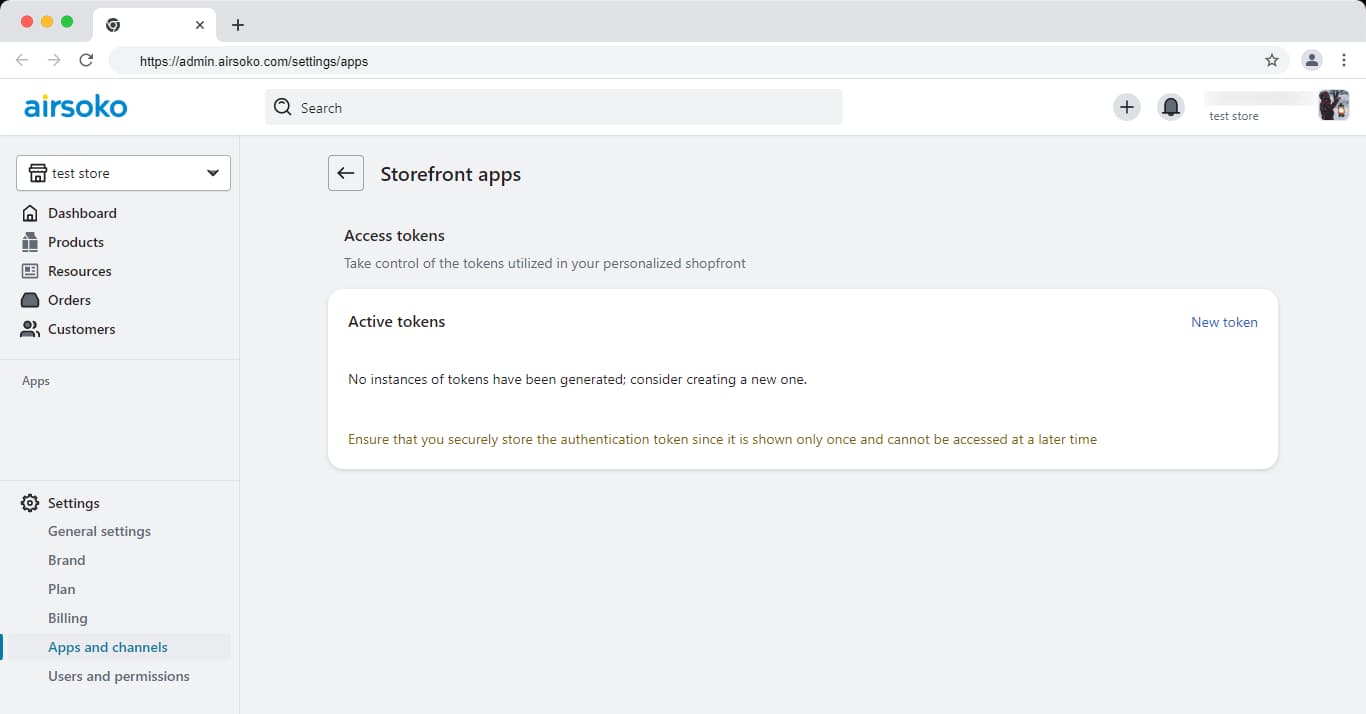
After setting up your store, obtaining an API token is essential to access it from a third-party application. Navigate to Apps (opens in a new tab), select Shopfront apps (opens in a new tab) for your store, and follow the steps to activate app development.
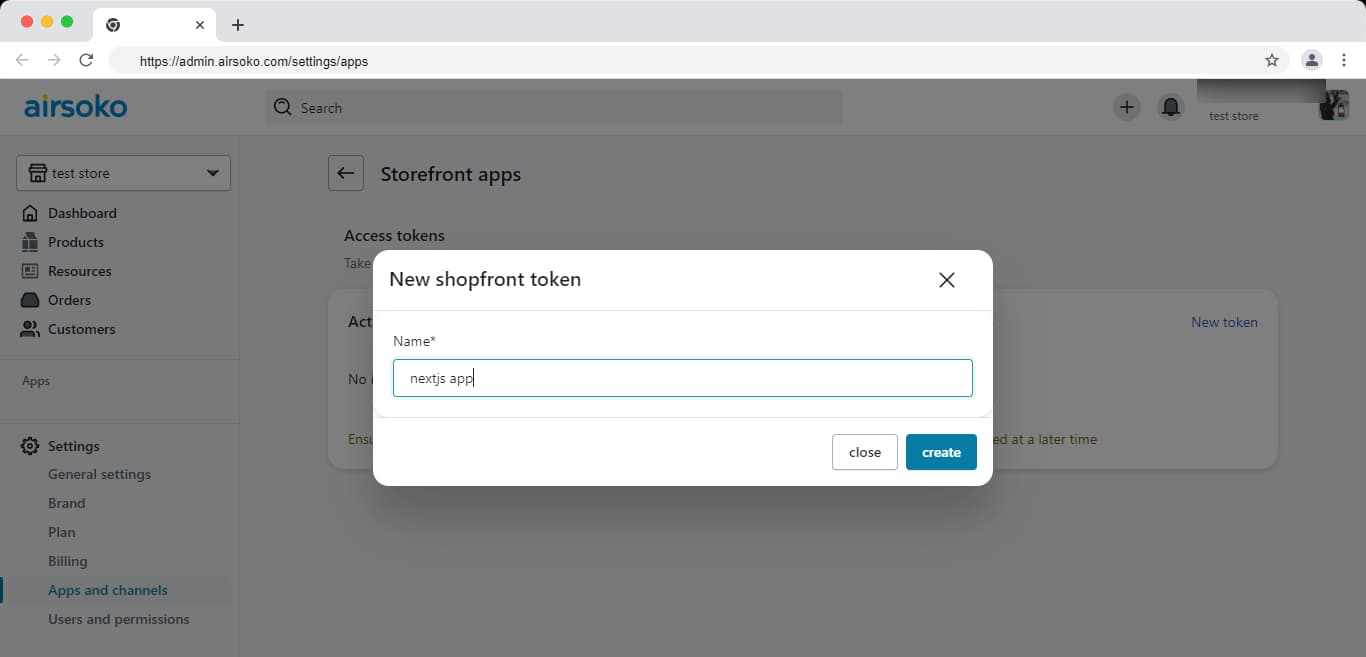
Once this feature is activated, click on Create new Token and fill out your app name.
Additionally, click on Create a new token to generate another token. Provide a suitable name for this token to clearly distinguish it. This helps in organizing and managing your access tokens effectively.
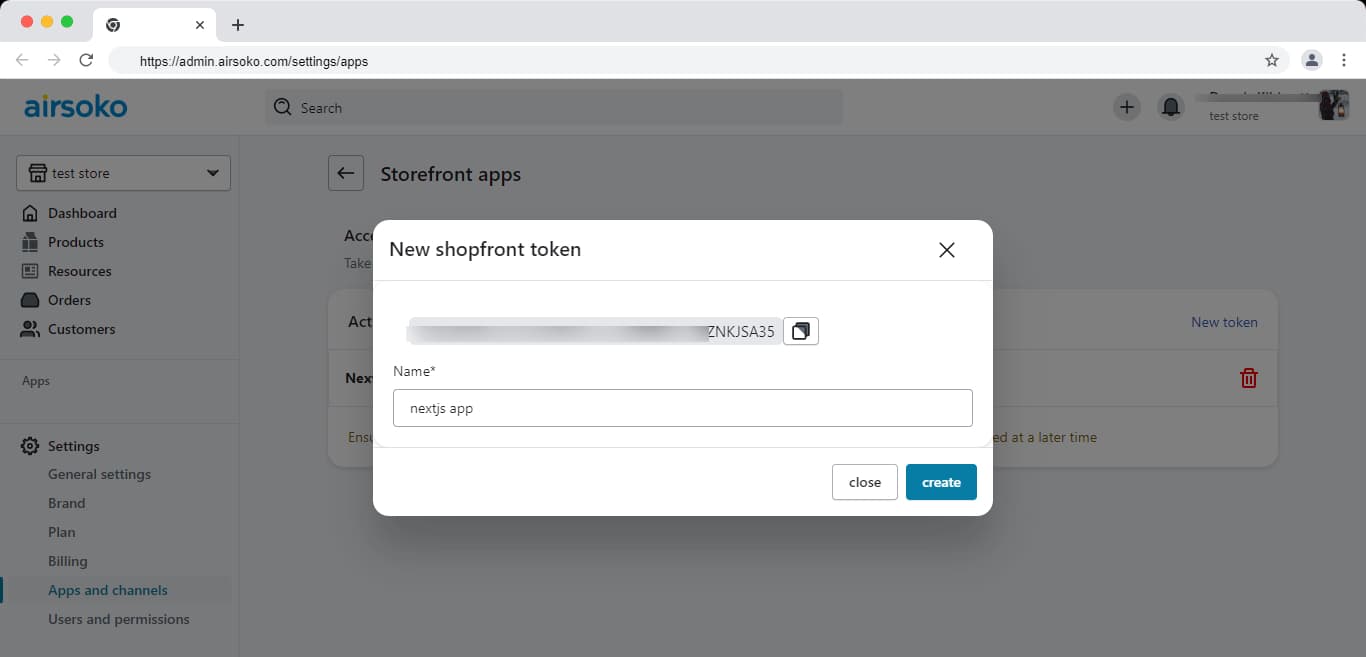
Copy the token provided and securely store it in a safe location. Please note that this token is only visible once after generation. It grants access to crucial permissions required to access your products, shopping cart, as well as other resources such as collections and categories.